
A little text. A lot of possibility.
Text to SVG,
ideas without limits.
Turn your words into scalable SVG graphics with AI. Describe an icon, logo, or illustration and create a vector that looks sharp at every size.
Text to image
Need a spark?
Advanced settings
Format
Exact credits shown before you generate. No subscription needed.
Your next creation•••
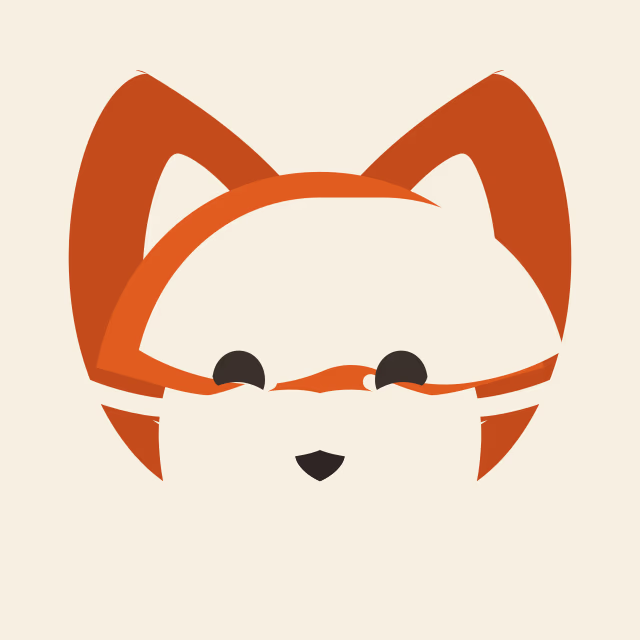
A geometric foxGenerated example
✳✓5 output formats✓Up to 4K resolution✓No design skills needed
FROM A THOUGHT TO A THING
One prompt. So many possibilities.
From a reaction worth sharing to an idea worth building. Give your words a new life.
A botanical illustration
A little rocket
THREE STEPS. INFINITE IDEAS.
How to turn text into an SVG
Describe your idea
Tell us what you picture. Add a subject, a style, and the movement or details you want.
Make it your own
Choose your format, aspect ratio, and quality. For GIFs, fine-tune the frame count and timing.
Generate and download
See the credit cost, generate your creation, and download the original file when it is ready.
A SMALL TOOL. A BIG CREATIVE WORLD.
Everything you need for text to SVG
Text to SVG
Words become motion
Create animated GIFs with 2–16 frames and adjustable timing for a loop that feels right.
Real vector output
Generate SVG files for icons, logos, and flat illustrations that scale with your ideas.
Five ways to create
Switch between GIF, SVG, PNG, WebP, and JPG without changing tools.
Details on your terms
Choose from five quality levels, 1K–4K resolution, and 15 aspect ratios.
Made for every screen
Create on your phone, tablet, or desktop, with a light or dark workspace.
One simple workspace
We match the generation engine to your settings. Just focus on what you want to make.
Text to SVG: from a sentence to a scalable graphic
Our text to SVG generator turns natural language into vector graphics. Describe clean icons, geometric logos, or flat illustrations, and download an SVG you can scale for websites, presentations, and design projects. Clear descriptions of shapes, colors, and composition help guide the result.
Every format shares the same creative workspace. Switch to PNG for still artwork, WebP for web visuals, or JPG for photographs. Detailed quality and resolution settings keep you in control, and the credit total updates before you generate. AI output can vary; refine your prompt and inspect the result before publishing.
FAQ
A few things you might be wondering
What is text to SVG?
+
Text to SVG uses AI to generate scalable vector files from a written description. It works especially well for simple icons, flat illustrations, and geometric logo concepts.
Does the SVG stay sharp when resized?
+
SVG is a vector format that scales without the pixelation of a raster image. Inspect the generated file for embedded raster content and design accuracy before production use.
Can I generate icons and logos?
+
Yes. Describe the geometry, colors, and composition you want. Keep your prompt focused for cleaner shapes, and review any generated lettering and paths.
Which formats can I download?
+
Choose GIF, SVG, PNG, WebP, or JPG. Each generation creates the format selected at submission; changing the format for a new result uses additional credits.
How much does generation cost?
+
Credits depend on quality, resolution, and format. GIF frame count also affects the cost. The exact cost appears before submission. One-time credit packs start at $10, and failed generations are refunded.
Can I upload an image?
+
Image uploads and image editing are planned for a future release. Currently this workspace generates from text prompts only.
How long does generation take?
+
Generation time varies with quality, resolution, frame count, and provider demand. Your job keeps its progress when you return to the same browser and account.
Can I use the results commercially?
+
Review the AI provider’s current terms and any rights associated with your prompt. You are responsible for checking trademarks, likenesses, and the final output before commercial use.
Your next idea deserves to scale.
Start with a few words. See where they take you.
Create something